



What you can do with BlueWallet
Besides receiving, sending and storing Bitcoin, you can do a lot more.

Self-custody — Your keys, your bitcoin
Don't leave your coins with others. Own your Bitcoin. Your keys never leave your device.

Multisig Vault Wallets
The best security available on the Bitcoin protocol. Wallets with keys for multiple devices.
Fees & Transactions control
Control fees. Easily Speed up, Cancel or Batch transactions. With RBF and CPFP.

Hardware wallets support
Connect Coldcard, Passport, Jade, Keystone and other PSBT-compatible hardware wallets while keeping keys offline.
Notifications
Never miss a transaction. Push notifications for pending and confirmed transactions.

Plausible Deniability
Create multiple storages or fake ones in case of a forced disclosure.
Open source & privacy-first
Don't trust, verify! New addresses automatically, Coin Control, Payjoin, Paycodes, connect to your own node.

Import & Recover wallets
A "magical form" where you can try to import whatever you got. With search and discover capabilities.
What people are saying
From the Bitcoin community, around the world.


Simple but Powerful
A wallet that tries to keep it simple, but with a lot of power features
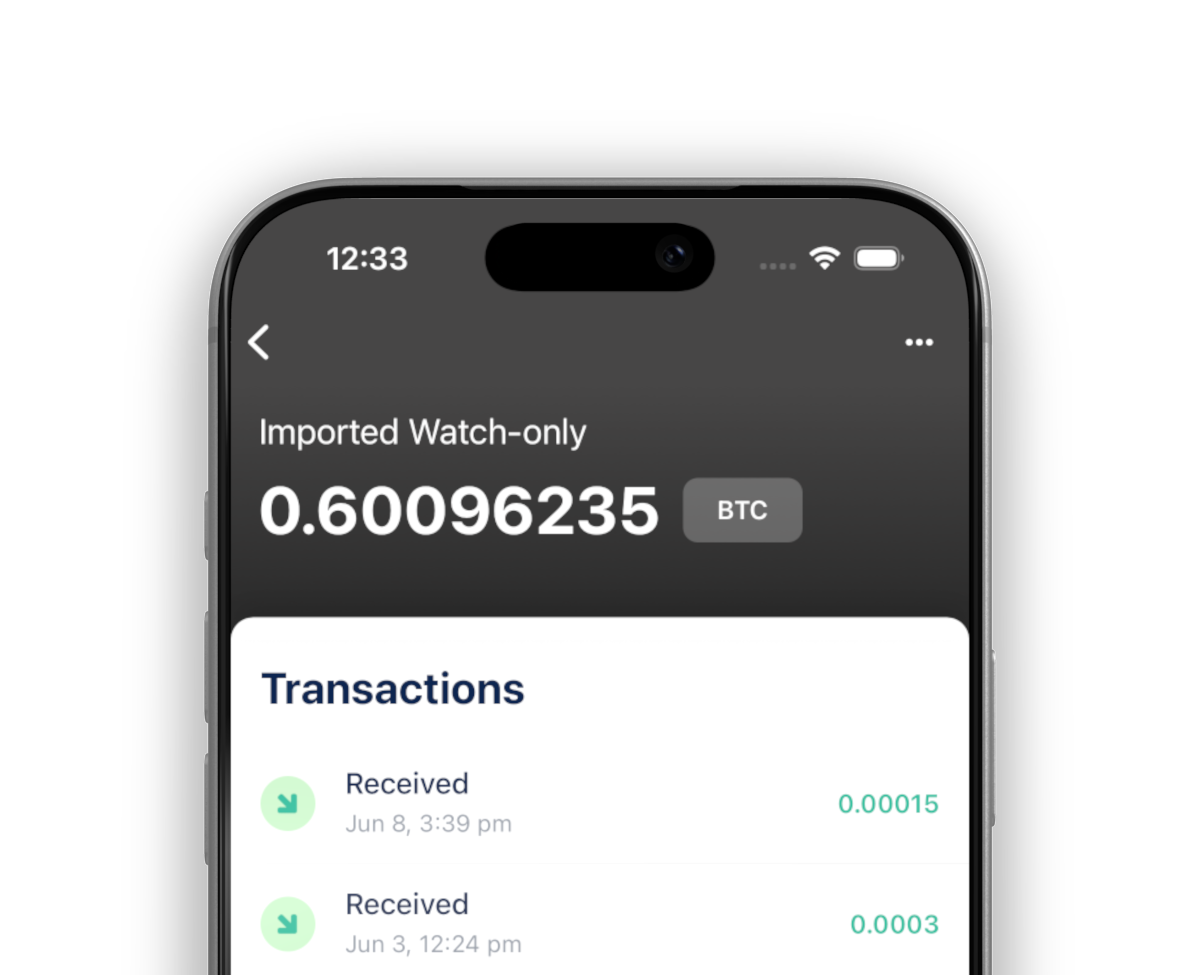
Watch-only Wallets
Use your wallet, but keep your keys out of the device
Connect and use with your Hardware Wallet (PSBTs)
Watch an address or wallet and keep an eye on all transactions
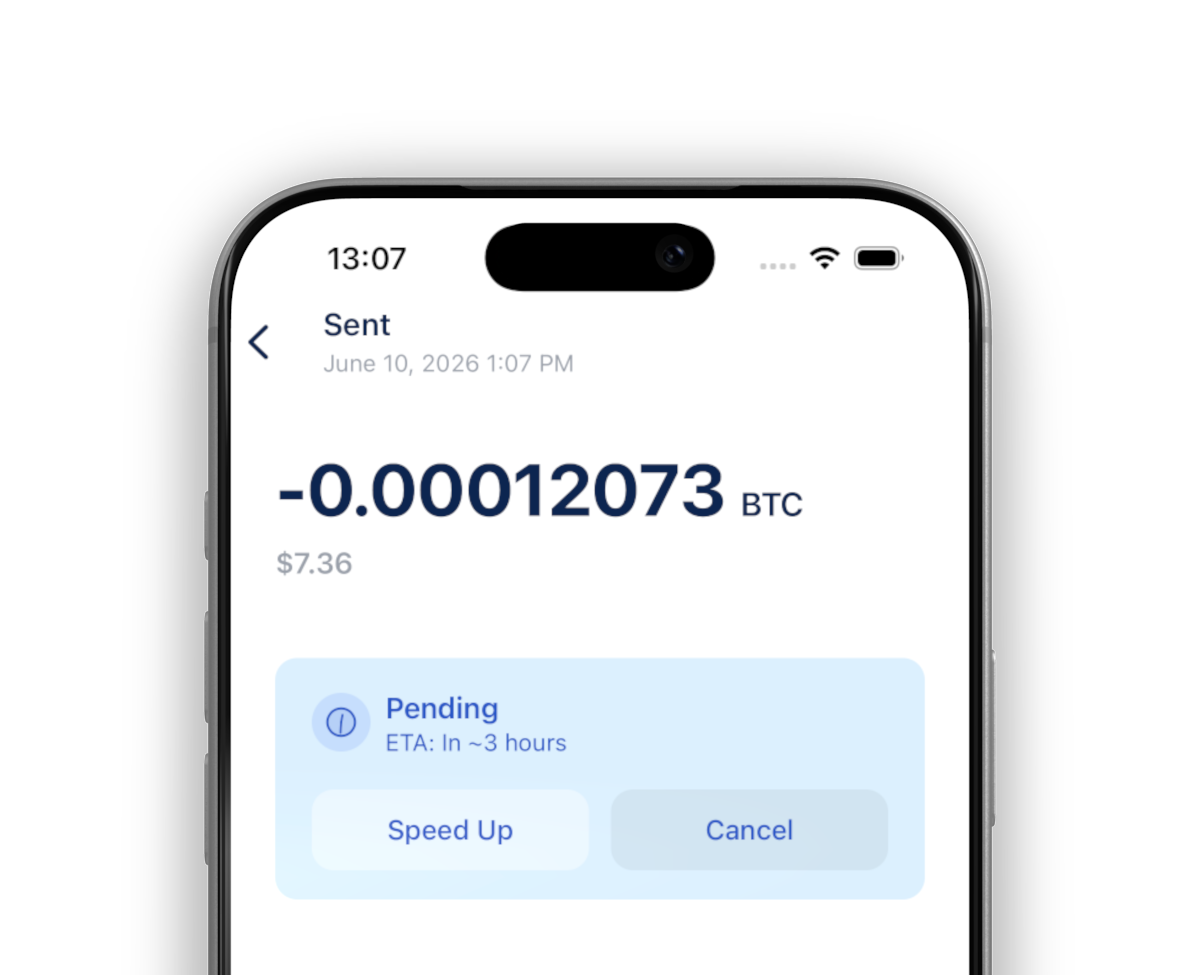
Transaction control
Know the estimated time to confirm
Choose to Speed Up or Cancel when Sending
Choose to Speed Up when Receiving
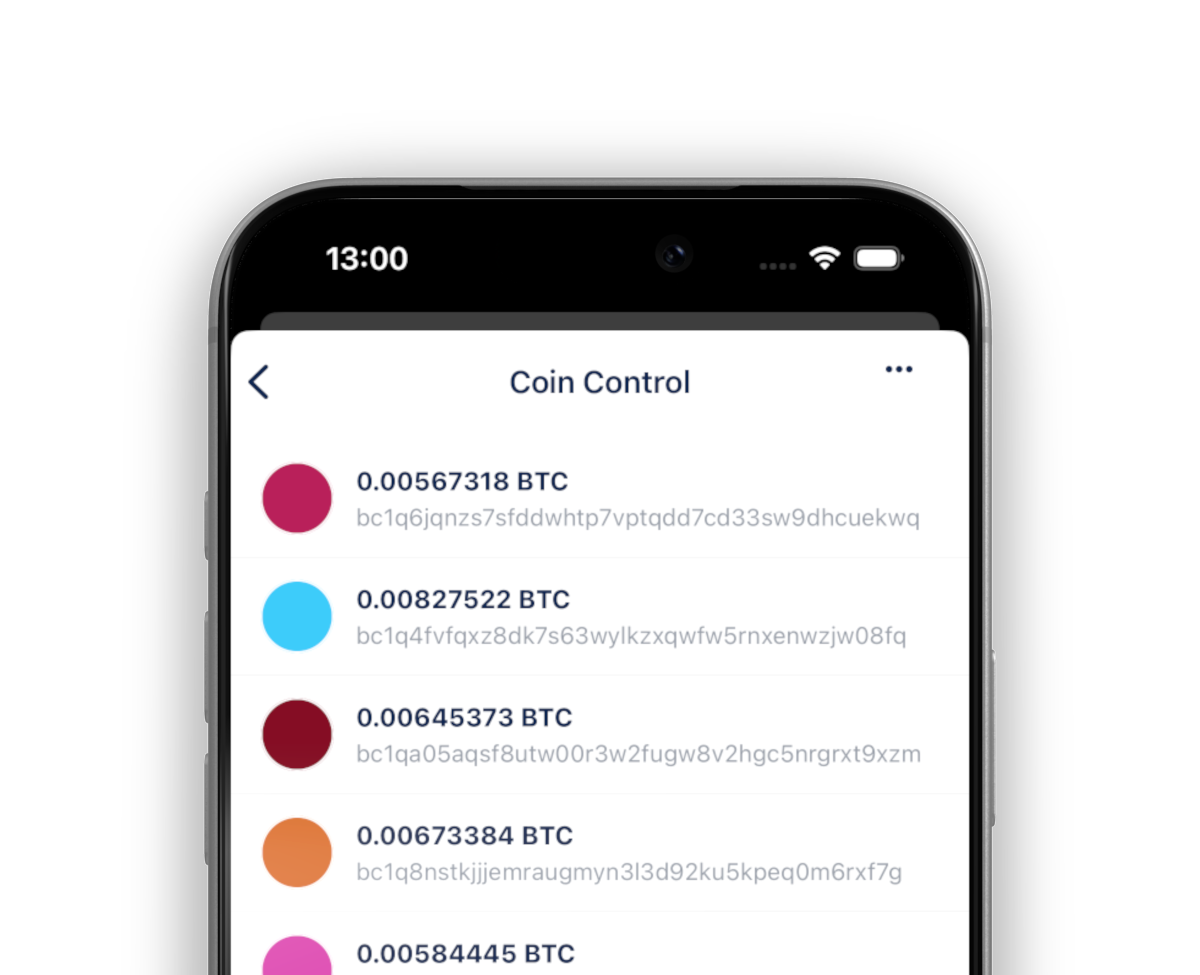
Coin Control
See, analyze and use your Coins on a beautiful interface
Label your Coins for future reference and granular control
Freeze your Coins to not use specific ones on transactions
Community
Be part, contribute as you can and stay up-to-date. Bitcoin is winning.
Contribute
Free Open Source Software
BlueWallet is free and open source software. Build in public by a community. And, one of the most used products in Bitcoin. Self-custody will win, but your contribution really matters. See how you can start contributing today.

Support articles
Step-by-step guides with screenshots


